SF Symbols

SF Symbols is a library of over 7,000 symbols designed to integrate seamlessly with San Francisco, the system font for Apple platforms. Symbols come in nine weights and three scales, automatically align with text, and can be exported and edited using vector graphics tools to create custom symbols with shared design characteristics and accessibility features. Symbols feature multi-layer drawings designed for motion, enabling a range of expressive animations. Crafted for a global audience, symbols automatically adapt to a user’s reading direction and feature localized designs for over 20 international scripts.
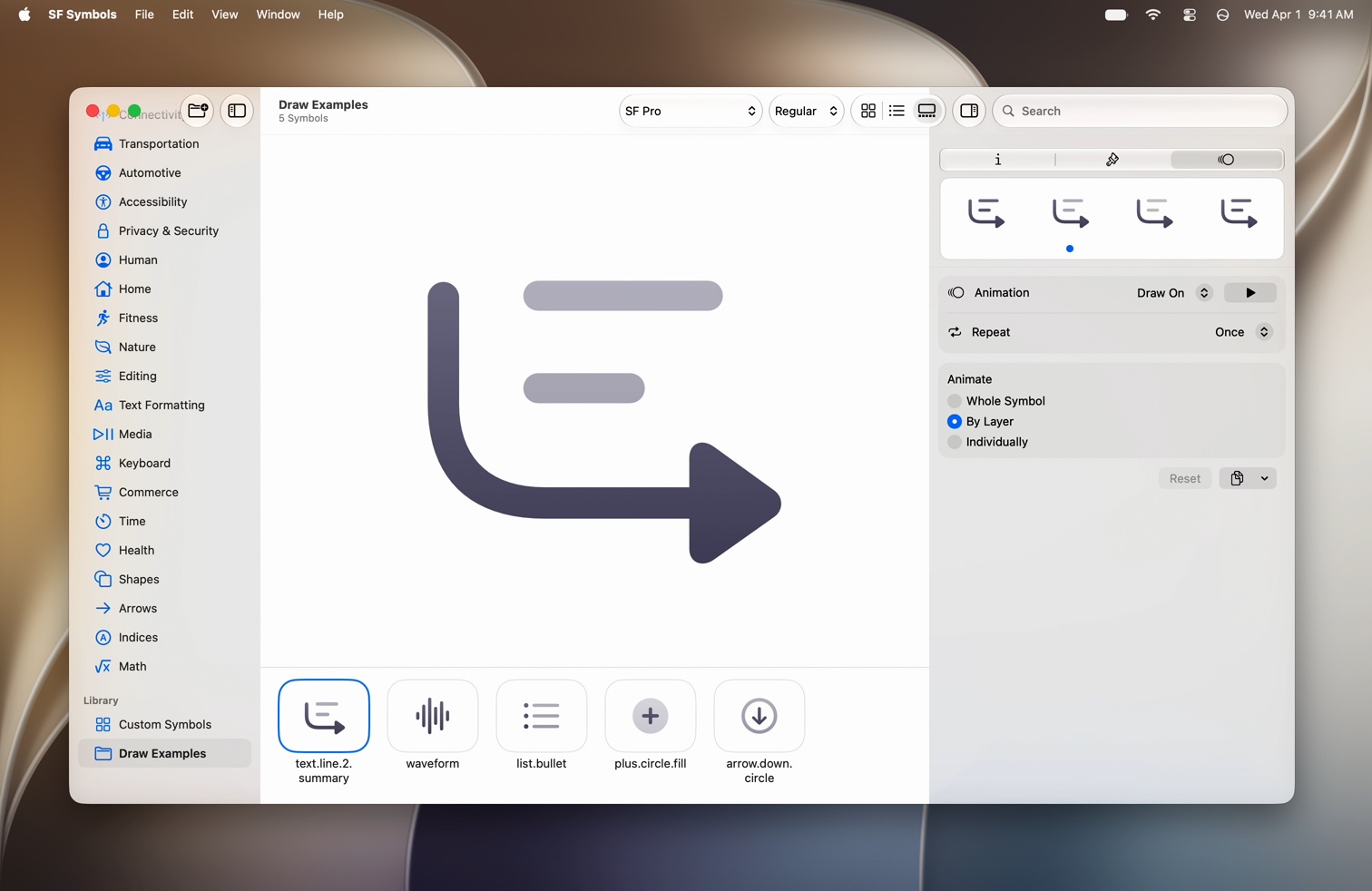
The SF Symbols app showing a Draw On animation preview with By Layer playback selected

Enhanced Search

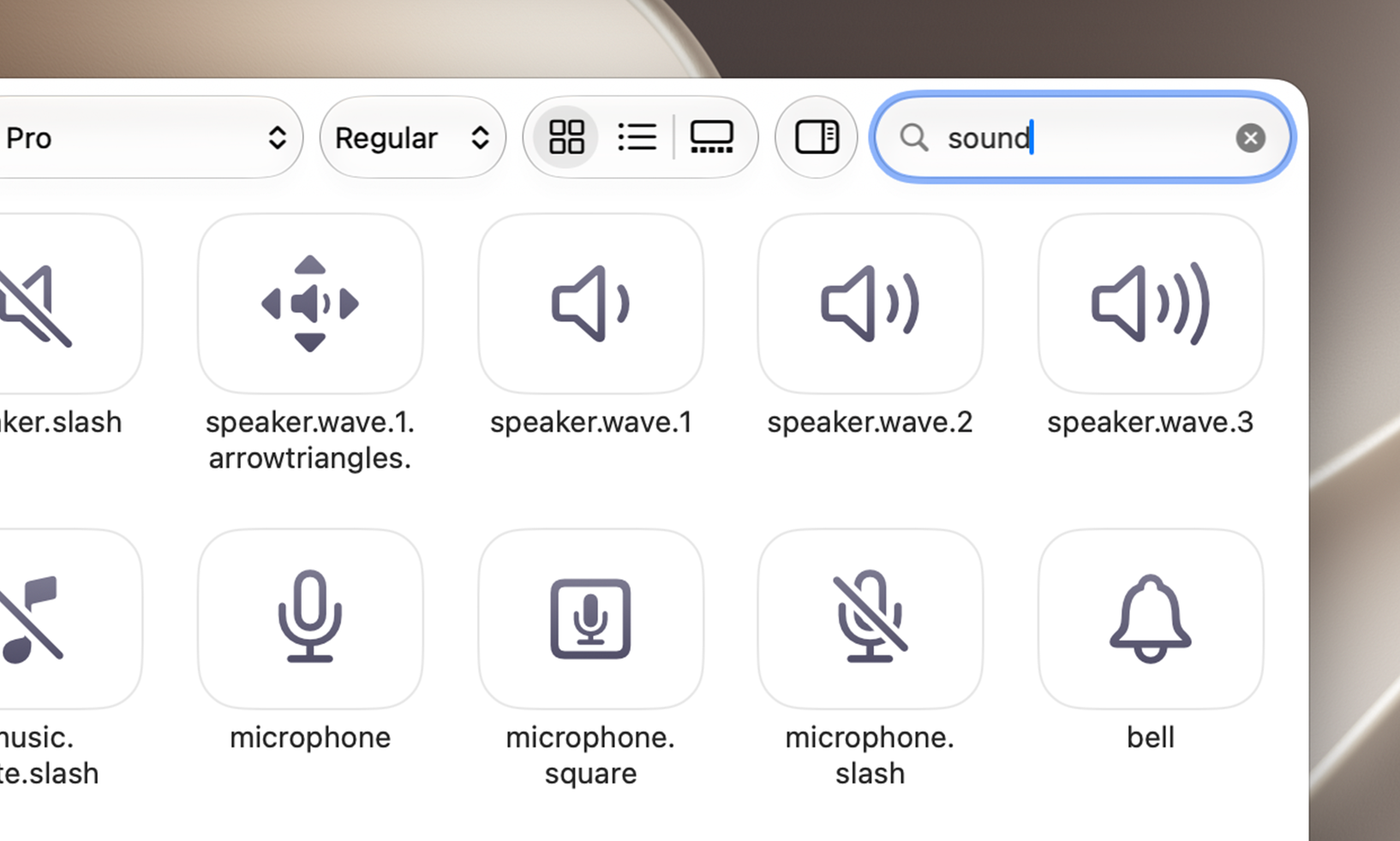
Enhanced Search uses semantic understanding to surface the most relevant symbols for your query. Describe what you’re looking for in your own words, and SF Symbols will find the best match, even if your search terms don’t exactly match a symbol’s name.

A grid of SF symbols with varying opacity illustrating search result relevance

New Symbols

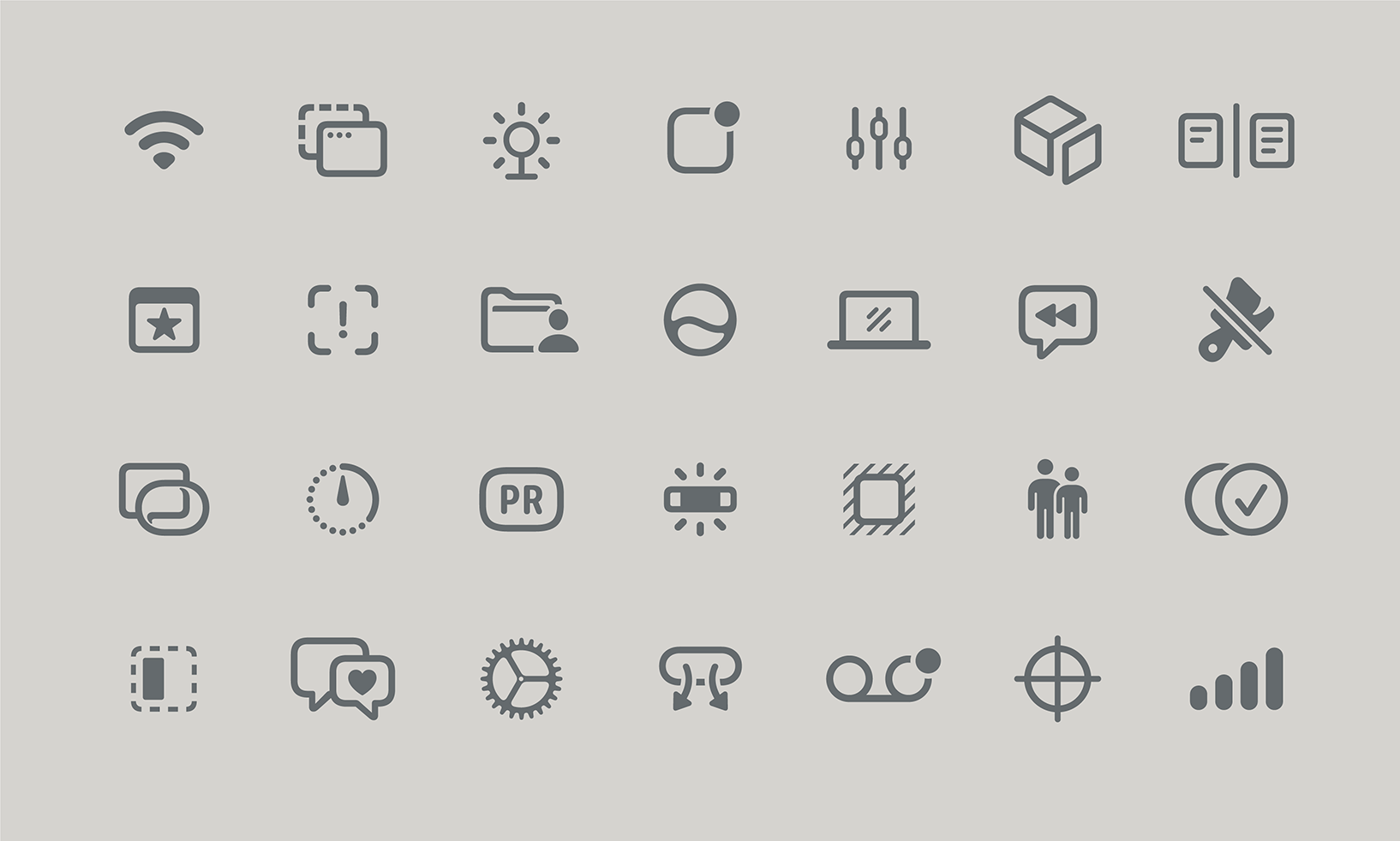
SF Symbols features new symbols and design updates to existing symbols that integrate with Apple’s universal design language. These new symbols are available in apps running iOS 27, iPadOS 27, macOS 27, watchOS 27, tvOS 27, and visionOS 27.

A grid of new SF symbols including icons for wifi, sliders, package, documents, people, and more

Draw

Draw On and Draw Off are animation presets inspired by the calligraphic movement of handwriting, designed to let symbols more expressively animate into and out of your app’s interface. These animations leverage a symbol’s layer structure, combined with new annotation and timing choreography, to guide the symbol’s movement. Multiple playback options offer flexibility for various contexts: Whole Symbol animates all layers together in a single, swift movement; By Layer offsets the start time of each layer to create a more dynamic effect; and Individually animates one layer at a time for a more deliberate reveal.

Annotation

Annotation tools make it easy to create Draw animations for custom symbols with just a few clicks. Place guide points on layers to control how a path draws from beginning to end. Guide point placement is automatically translated across weights and can be customized in Ultralight, Regular, and Black to precisely control movement across all symbol weights and scales. Create bespoke animations tailored to your custom symbols by leveraging draw attachments, optional bi-directionality, adaptive end caps, and more.

Variable Rendering

Symbols can dynamically express changes in strength or progress over time using Variable Rendering, enabling them to function as informative and dynamic progress indicators. Variable Color changes the opacity of individual layers in sequence from beginning to end, and Variable Draw leverages Draw annotation to convey value changes with greater precision and resolution.

Animation

A collection of configurable animations provides dynamic and expressive behaviors across the entire symbol library. Choreographed movements such as Bounce, Wiggle, Rotate, Breathe, and more allow symbols to respond to user input, convey status changes, and signal ongoing activity. Magic Replace provides contextual continuity when transitioning between related symbols. These animated effects leverage a symbol’s layer structure, enabling compatibility with custom symbols.

Rendering

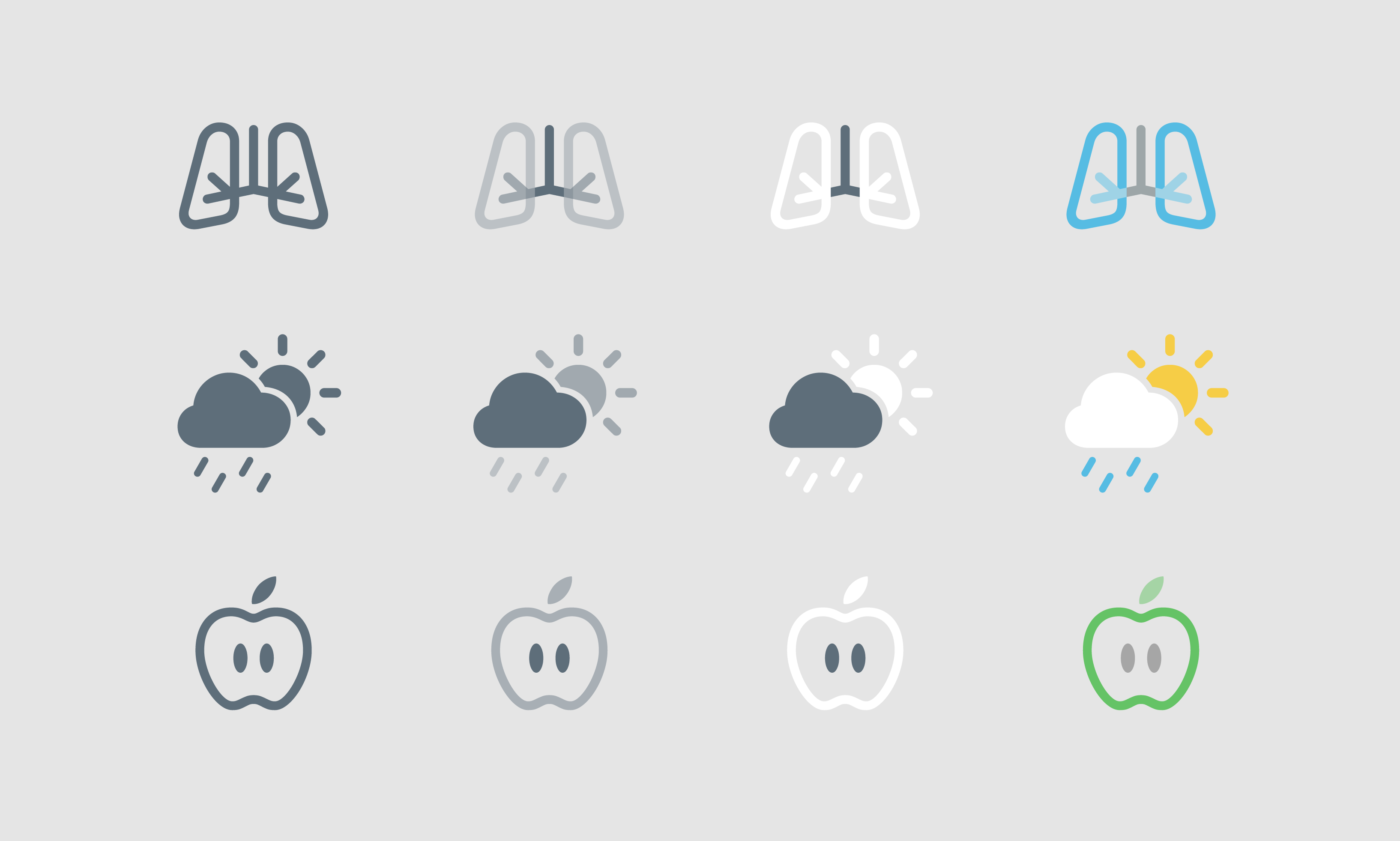
Four distinct rendering modes provide consistency and control over how color is applied to symbols. Monochrome renders symbols in a single color. Hierarchical uses a single tint color with multiple levels of opacity for depth and emphasis. Palette rendering allows symbols to be customized with multiple contrasting colors. And Multicolor rendering provides intrinsic color across hundreds of symbols. Optional gradient rendering, available across all rendering modes, automatically generates a smooth linear gradient from a single source color, elevating symbols with a greater sense of lighting and dimension.

Three SF symbols each shown in four rendering modes: Monochrome, Hierarchical, Palette, and Multicolor

Download SF Symbols 8 beta

Download

Requires macOS Sonoma or later.

Explore the Human Interface Guidelines

Get details on how to use SF Symbols in your apps.

Learn more